Staying safe around QR codes doesn't mean avoiding them entirely - it just means knowing what to look out for before and after you scan.
What you can do as a customer
-
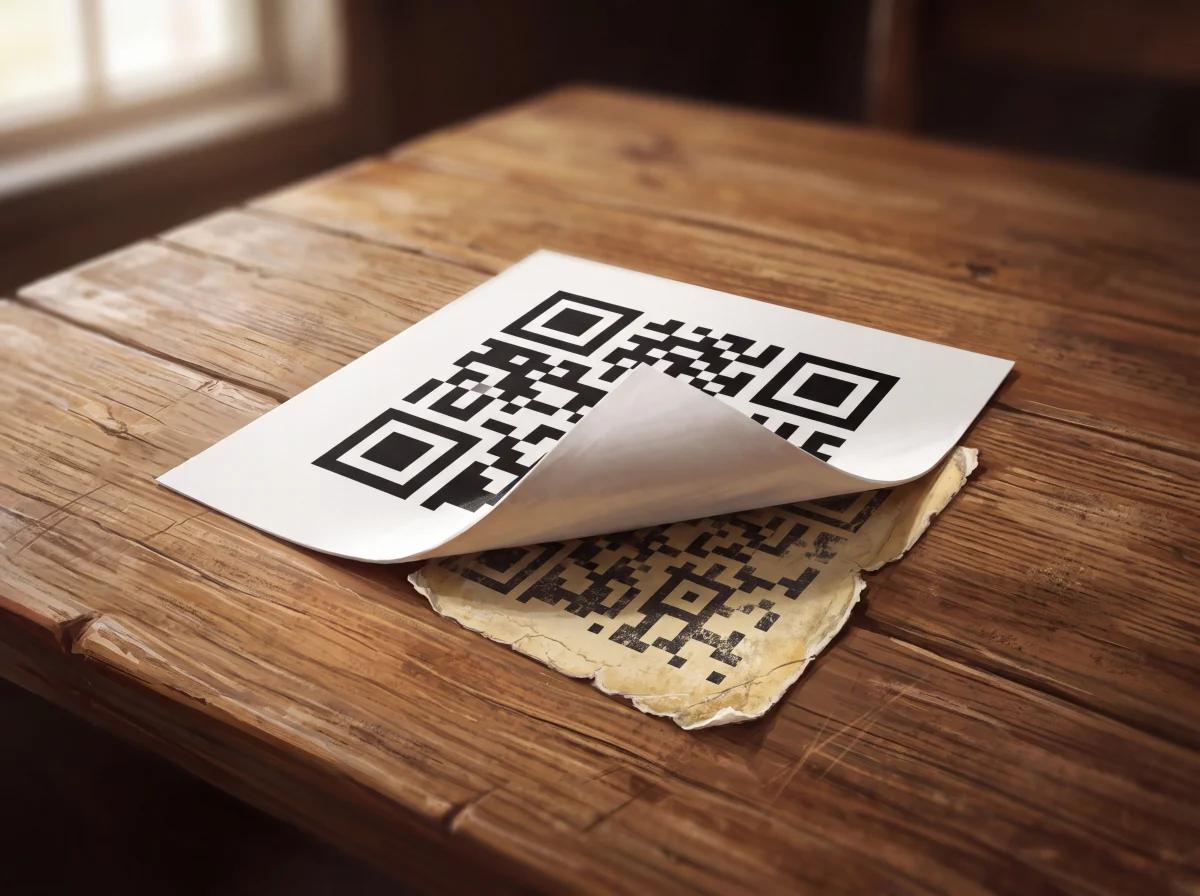
Check the physical code: Before scanning, look closely at the sticker. Does it look peeled, raised, or stuck directly over an old one?
-
Preview the link: Use your phone’s built-in preview to check the web address before tapping through. If the domain looks strange or unrelated to the venue, don't open it.
-
Verify unexpected requests: If a restaurant menu suddenly asks for credit card details upfront, ask a staff member. If a site asks to sign into an account, navigate to the service independently through your app or browser bookmark instead.
-
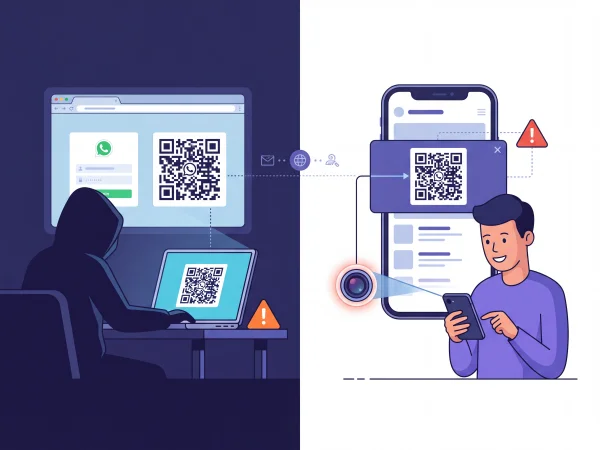
Double-check login approvals: Only approve QR logins that you personally started on a device you own.
How businesses can help
Businesses using QR codes also have a responsibility to safeguard their customers:
-
Regularly inspect physical codes on tables, meters, or posters for tamper marks or overlays.
-
Print the full web address clearly alongside the QR code so users have a secondary reference point.
-
Give staff a clear process for reporting and replacing suspicious stickers.
Phishing-resistant security
Standard verification codes and basic QR approvals can still be tricked by scammers, but newer standards are fixing this. Developed by the FIDO Alliance (an industry group including Apple, Google, and Microsoft), passkeys allow you to log in using your face, fingerprint, or device PIN instead of a password.
Passkeys are completely phishing-resistant because they refuse to share your credentials with fake websites. Also, when logging in across devices, passkeys perform a quick bluetooth check to confirm your phone is actually in the same room - meaning a remote scammer using a QR code from miles away can't access your account.
What to do if you’ve already entered details
If you realise you’ve interacted with a malicious QR code, act quickly based on what was compromised:
-
Passwords: Immediately change your password through the official website or app and log out all other active sessions.
-
Financial Information: Contact your bank or card provider straight away to block unauthorised transactions or freeze the card.
-
Account Access: Remove any unknown linked devices or active sessions in your app's security settings.